Machine for Machine Learning
> date: May 25, 2015 | tags: machine-learning
I decided to do research on machine-learning myself, but beside many options having a rig yourself saves time, money and has perks if you are into video games. After completing some Machine Learning Courses (look into my time-line), I decided to build a rig myself to test out the learned algorithms and also work on some more interesting dataset. I am sure everyone who goes through this task of building a rig for Machine Learning would have come across the following blog posts
- Roelof Pieters Building a Deep Learning (Dream) Machine
- Tim Dettmers How To Build and Use a Multi GPU System for Deep Learning.
They cover various aspects of the hardware necessary for a rig based on one’s requirements. During the build, I did have lot of questions and had to go through extensive research/reading through lot of forums, blogs and videos. I decided to share some knowledge on subtle things that can ease some souls going through the same process.
Rig: KRATOS
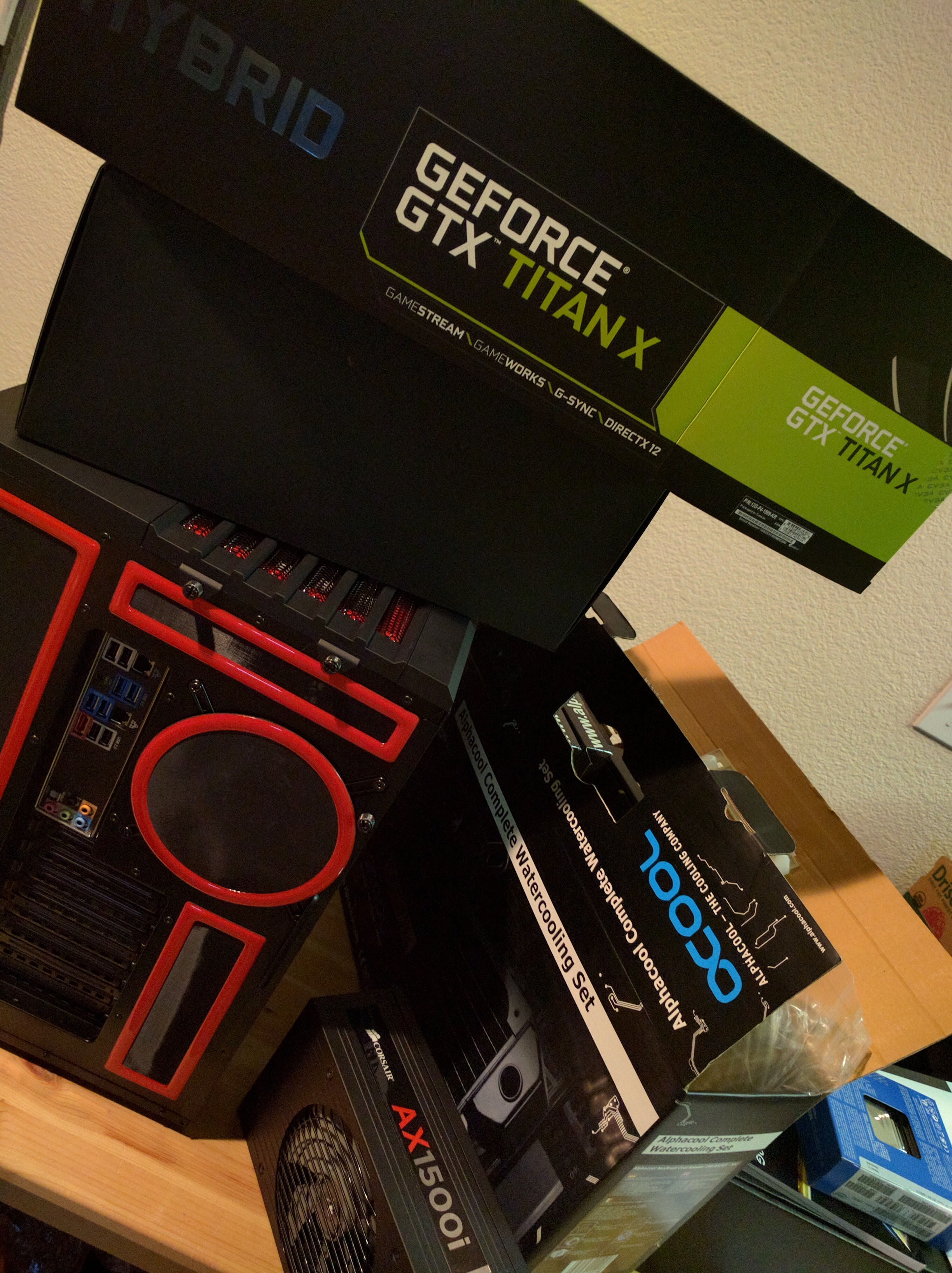
The decision making process on what components depends on how much one can afford and how much one needs. I froze on some components since I decided to wait for some newer hardware releases. Things I had in mind when choosing components apart from price and looks were ways to keep the rig updated with latest releases both on hardware and software.
1. Motherboard
This is the most important component since we are not going to change this very often. We have to take everything apart to update this guy. I would give at-least 5 years before considering to update a motherboard on my rig. As other blogs suggests, we need as many PCIe slots as possible since this is going to host the GPUs. I had to choose between Asus X99-E WS and ASRock X99 WS-E EATX LGA2011-3. Both of them had most of the specs matched, I chose the latter since that supports 128G RAM (ufff). I know thats too much RAM for any commonly used application but I wanted to keep my tool-belt updated so that I wont regret when the use-case arrives dealing with large datasets.
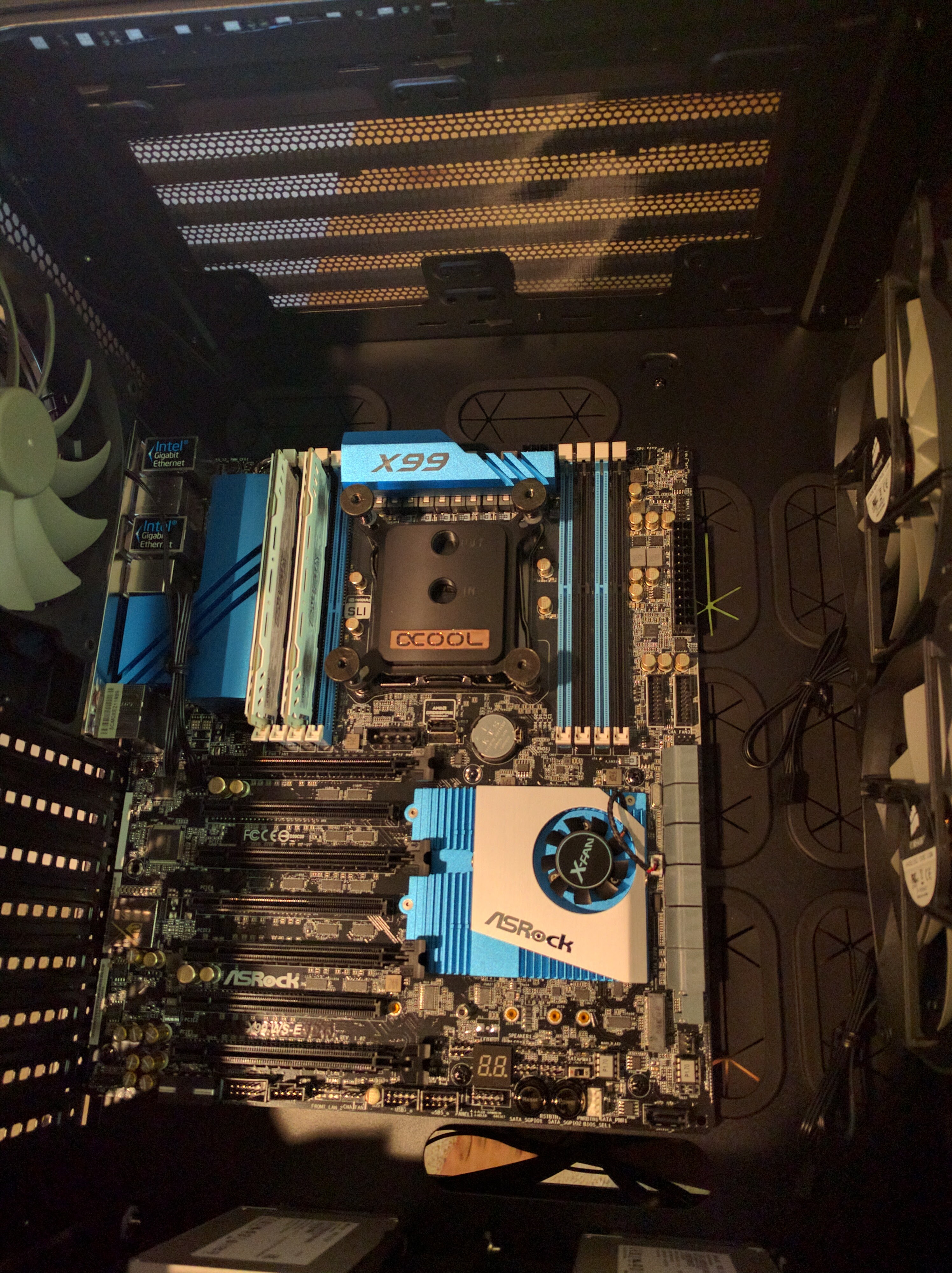
Purchased from superbiz
2. Computer Case
My personal preference was to have a smaller case, rather than a large one sitting on my desk. Corsair Carbide Series Air 540 High Airflow ATX Cube Case is a popular choice for its price looks and features. This does give nice segregation on the wiring, a glass box look if you want to light it up and good airflow.
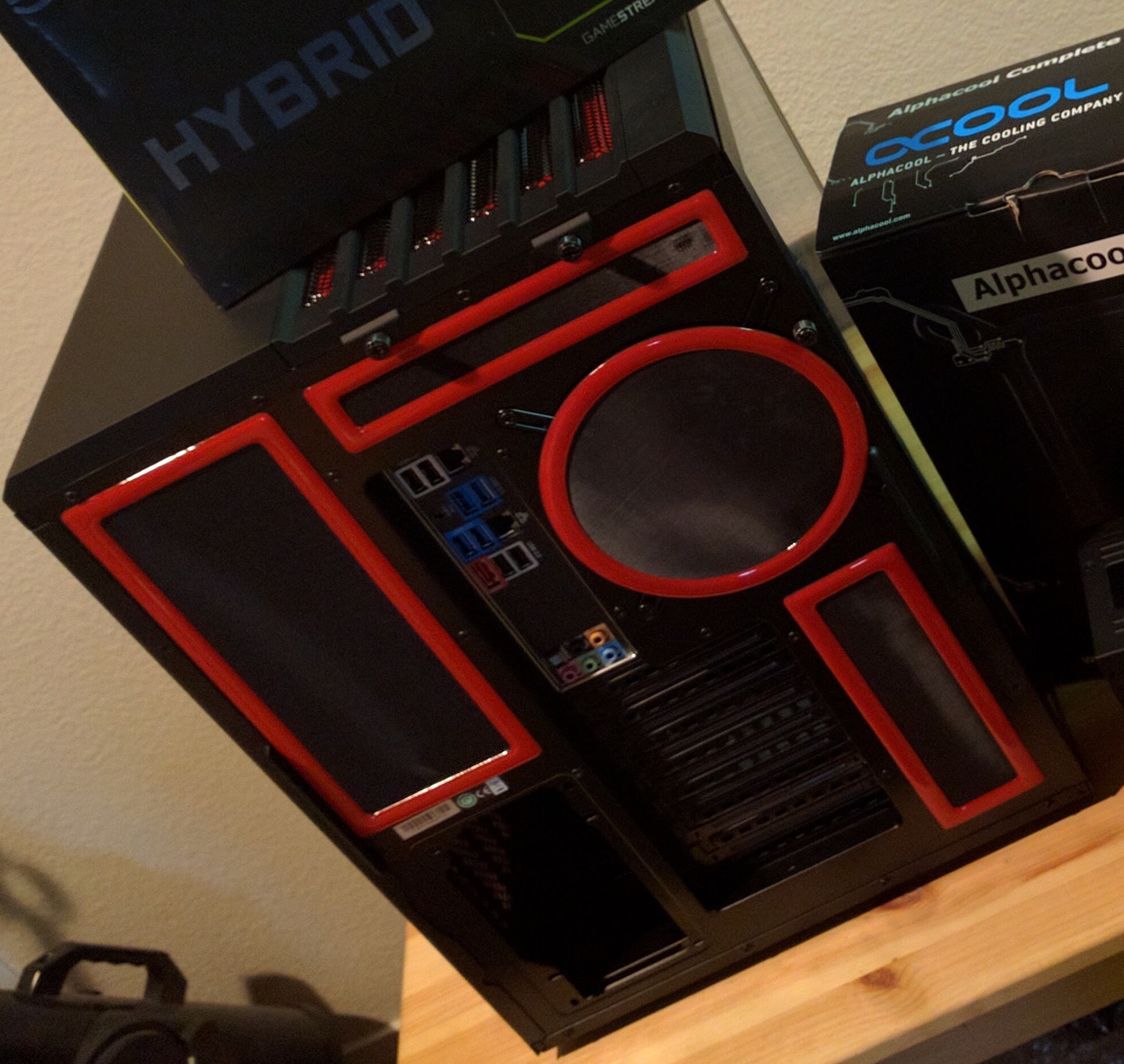
Purchased from amazon and demcifilter
3. Power Supply
All the components power requirement must be taken into account before deciding to get a PSU. I decided to get CORSAIR AX1500i 1500W ATX12V and forget about concerns adding components.
Purchased from amazon
4. RAM
Machine learning algorithms on big-data definitely needs larger ram. I decided to get Crucial Ballistic Sport since i got employee discount on it.
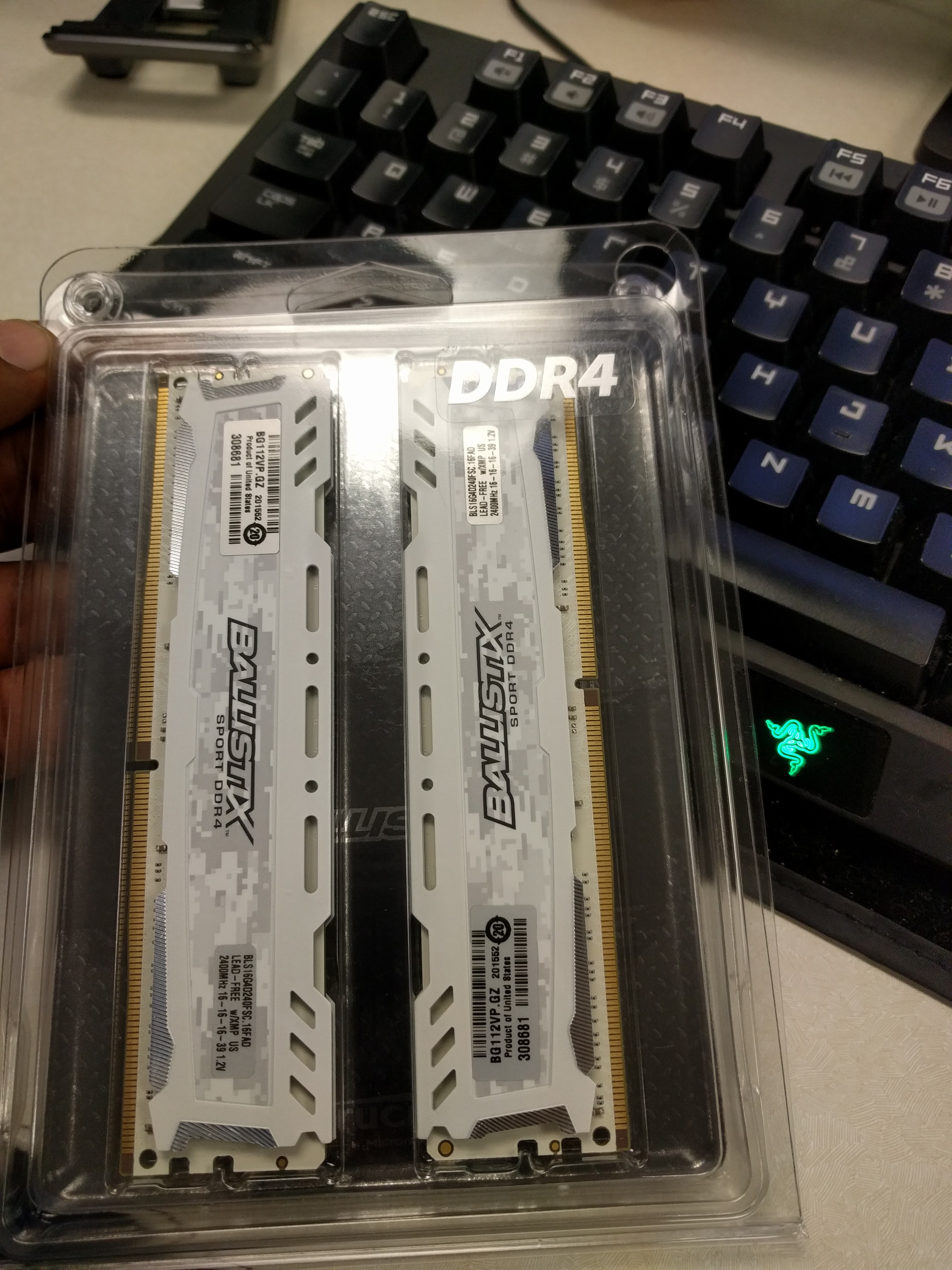
5. Storage
The motherboard is of server class and offers lot of storage options including on-board RAID controller. I got Micron client SSDs (BX200 and M500) on employee discount. Machine learning algorithms on a single machine working on terabytes of data require FLASH and forget about spinning media.
Purchased from crucial
6. Processor
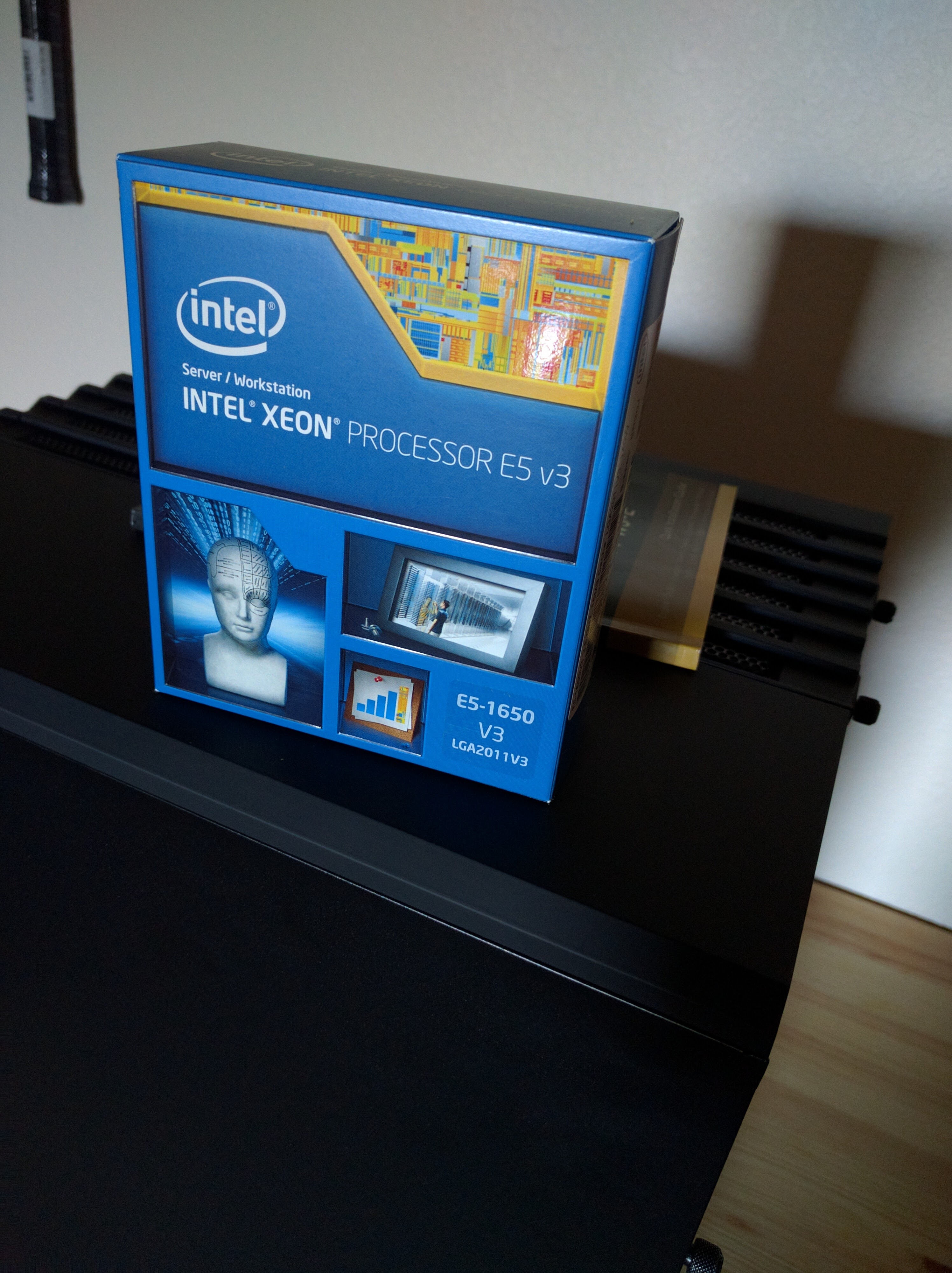
I was not concentrating on the number of cores because we are using GPUs exactly for that, but was looking for support on maximum ram (128G) and Intel Xeon E5-1650 V3 LGA20011V3 was only affordable server class processor that would full-fill that requirement.
7. Graphics Card
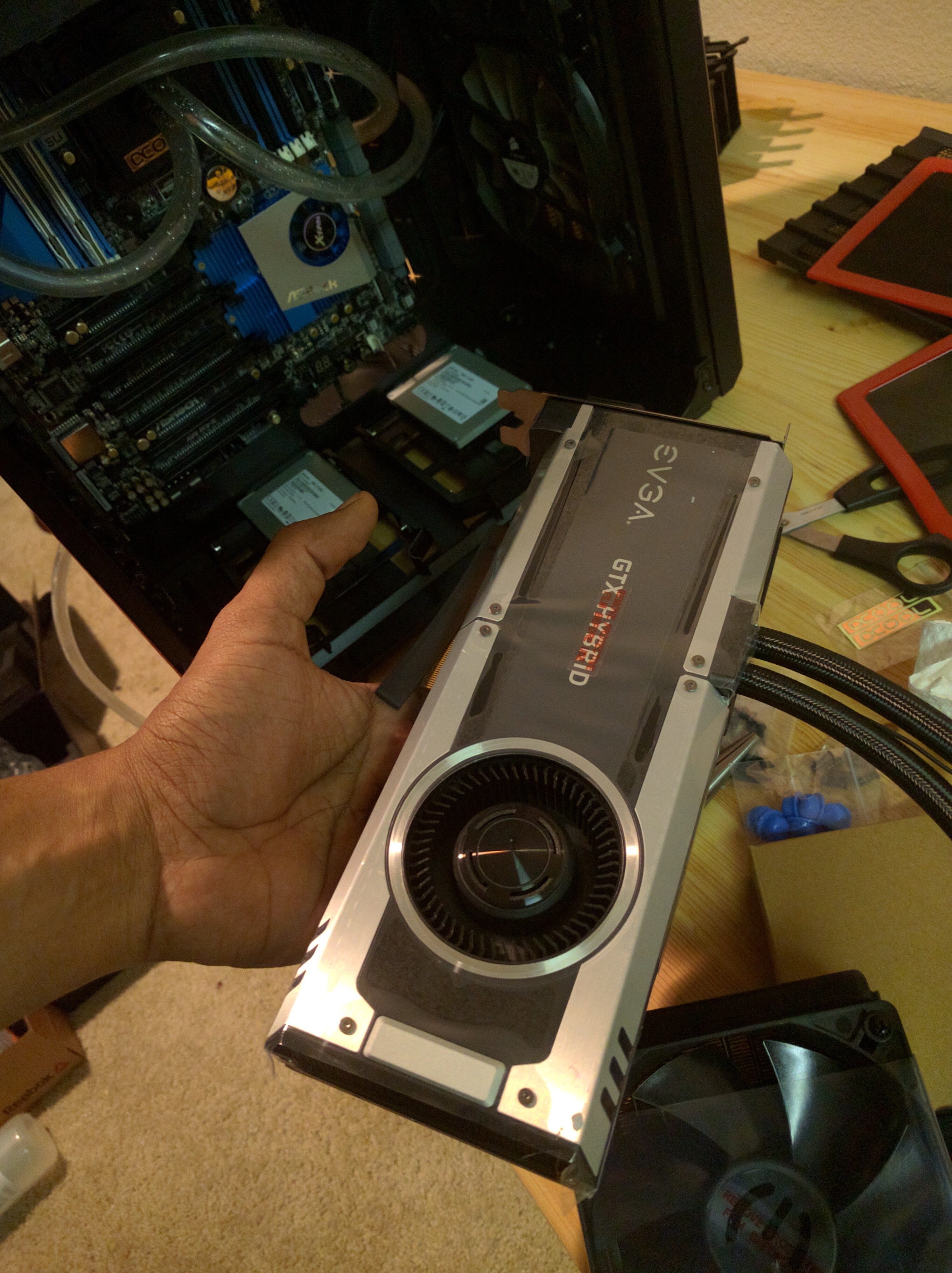
By the time I was working on this build, PASCAL cards were right around the corner. I got EVGA GeForce GTX TITAN X 12GB HYBRID GAMING since i didn’t want to deal with water cooling GPUs yet.
8. Cooling System
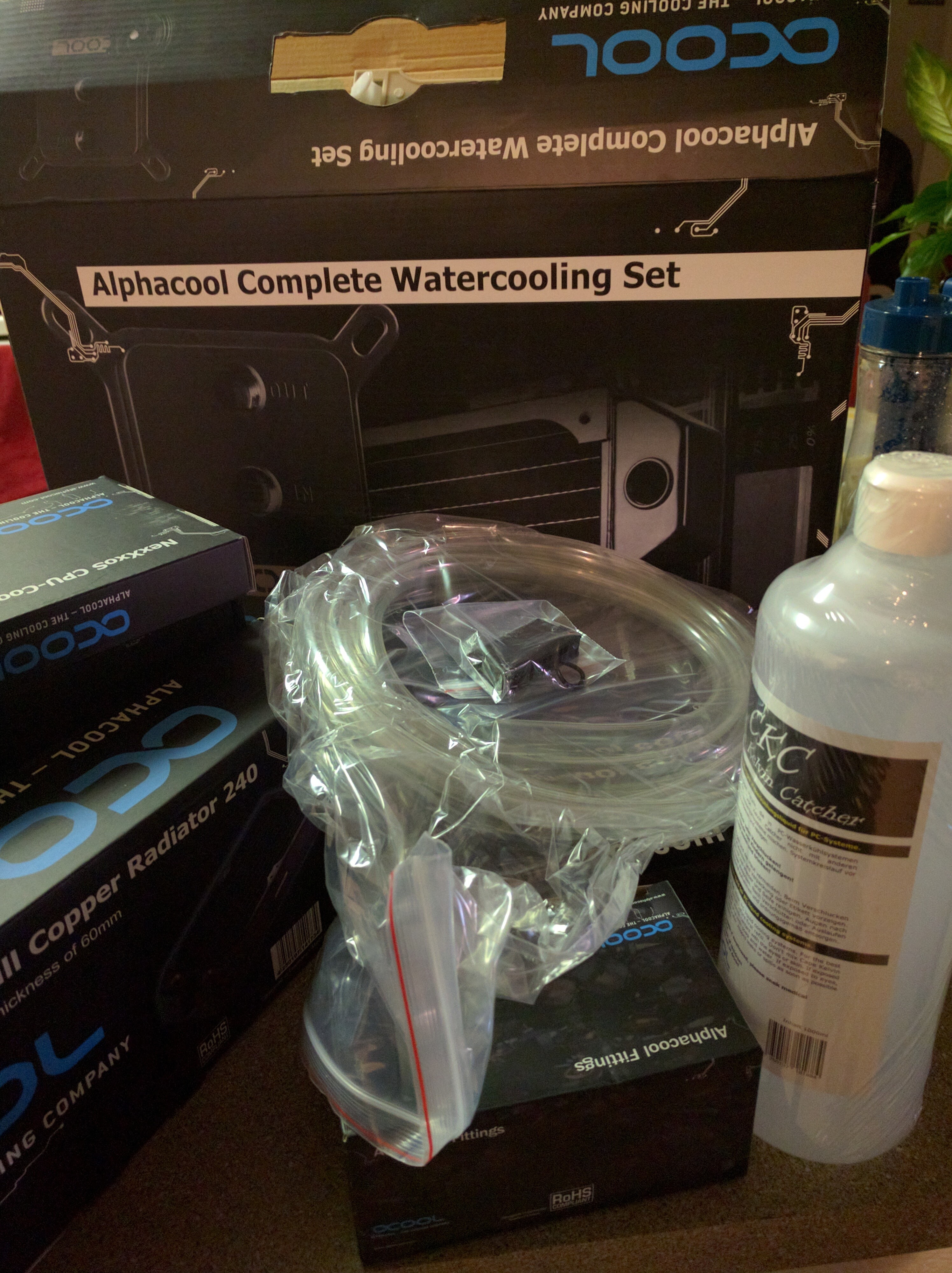
Setting up cooling system for the rig was little harder as the available components were very selective. I decided on Alphacool NexXxoS Cool Answer 240 D5/UT Set CPU Water Cooler. This did make the system virtually noiseless.
Purchased from performance-pcs
Refer pcpartpicker for the list of components and it totally cost around $2500 with just one GPU. If you have questions regarding the build, leave a comment and i will try to help based on my experience.
Updated July 5 2017: I added another 1080 Ti to the rig